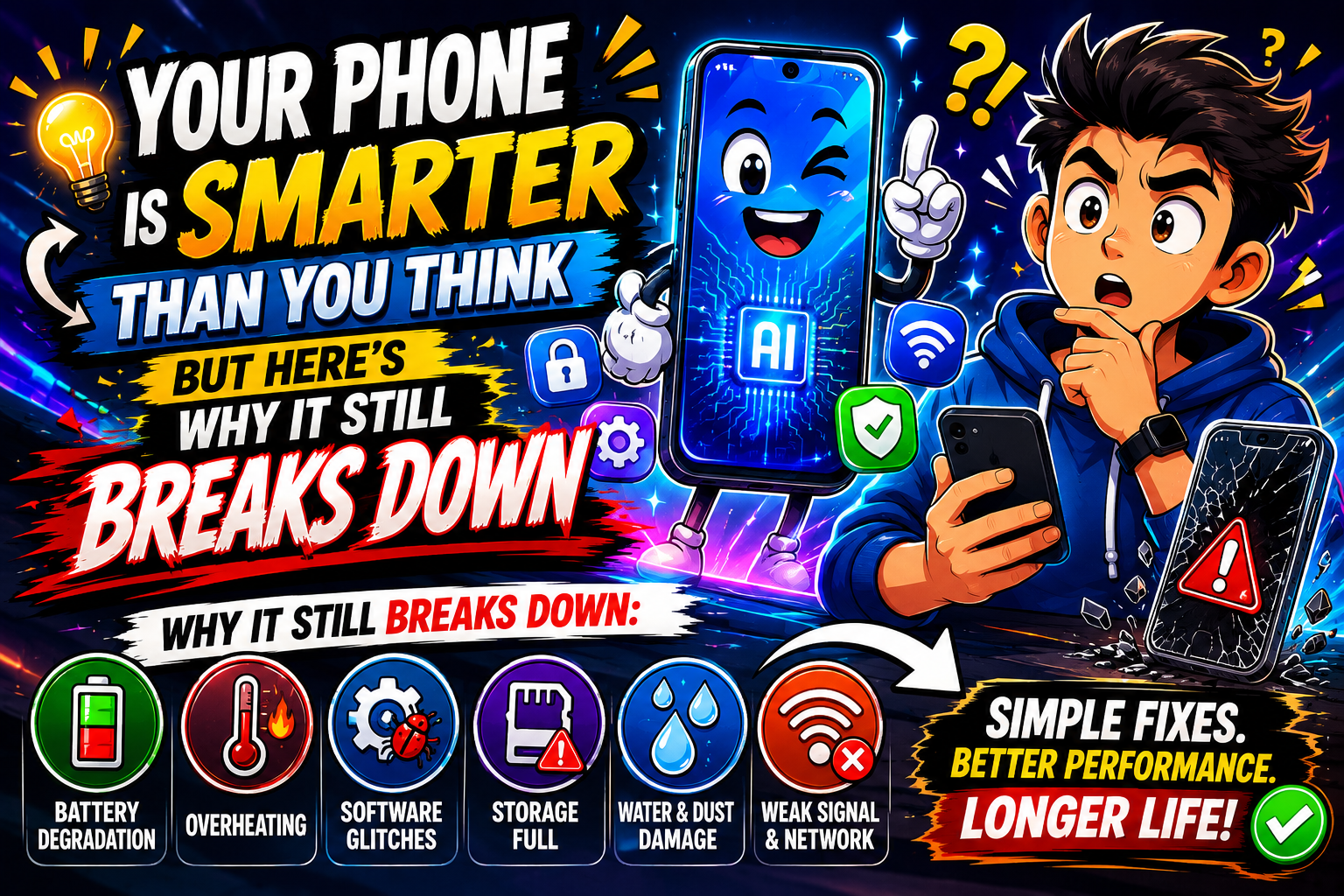
—> Let’s be honest. Nothing is more frustrating than picking up your phone and watching it freeze mid-scroll, or realizing your battery is at 12% by 11 AM. Most of us carry a device that can navigate a foreign city, translate languages, and run video calls — yet somehow it still manages to let us down at the worst moments. <:)>
➤ Mobile solutions aren’t always about buying a new phone or visiting a repair shop. Most of the time, the fix is simpler than you’d expect. This guide covers real, tested solutions — the kind that actually solve the problem instead of making it worse.
What Do We Mean by “Mobile Solutions”?
➤ The term covers a wide range: fixing software glitches, managing storage, solving network problems, troubleshooting app crashes, and even improving your phone’s day-to-day performance. It’s not just about hardware. A huge chunk of mobile problems are software-related — and those are often the easiest to fix yourself.
➤ Think of it this way. If your car makes a weird noise, you don’t immediately replace the engine. You check the basics first — tires, oil, brakes. Same logic applies here.
The Most Common Mobile Problems (And Their Real Causes)
1. Battery Draining Too Fast
➤ This is probably the most complained-about mobile issue worldwide. Your phone’s battery life gets shorter over time — that’s expected. But if it’s dropping from 100% to 40% in three hours, something else is going on.
- Background apps refreshing constantly even when you’re not using them
- Location services running 24/7 for every single app
- Screen brightness pushed to maximum with always-on display enabled
- A battery that’s genuinely worn out after 2+ years of daily charging
2. Phone Running Slow
➤ You tap an app and wait. And wait. A slow phone doesn’t always mean it’s old. Sometimes 4GB of storage left is doing the damage. Your phone needs breathing room — most Android devices struggle when internal storage is over 85% full. iPhones handle it a bit better, but not by much. <:)>
3. Apps Crashing or Not Opening
➤ App crashes happen for a handful of reasons: corrupted cache files, a pending update that’s been ignored, or a conflict between the app and your current OS version. It’s annoying. But it’s almost always fixable without reinstalling your entire phone.
4. Wi-Fi and Mobile Data Issues
➤ Weak signal indoors, websites not loading despite full bars, or video calls dropping every few minutes — these are classic network complaints. And half the time, the fix takes 30 seconds.
Step-by-Step Mobile Solutions That Actually Work
Fix Battery Drain
➤ Go into Settings → Battery (or Battery & Device Care on Samsung). Check which apps are consuming the most power. If a weather app is using 18% battery in the background, that’s your problem right there.
- Turn off background app refresh for apps that don’t need it
- Switch location access to “While Using” instead of “Always”
- Enable battery saver or adaptive battery mode
- Keep your screen timeout at 30 seconds or 1 minute
Speed Up a Slow Phone
➤ Start by clearing cached data. On Android: Settings → Apps → select an app → Clear Cache. Do this for your browser, social media apps, and anything you use daily. On iPhone, you’ll need to offload rarely-used apps (Settings → General → iPhone Storage → Offload Unused Apps).
- Delete photos and videos you no longer need — or move them to Google Photos or iCloud
- Uninstall apps you haven’t opened in months
- Restart your phone at least once a week (seriously, most people never do this)
- Check for a pending system update — sometimes a newer OS version actually fixes performance bugs
Fix App Crashes
➤ The fastest fix: force-stop the app, clear its cache, then reopen it. If it’s still crashing, check the app store for an update. If there’s one waiting, install it. App developers push patches for crash bugs regularly. If none of that works, uninstall and reinstall — this clears everything cleanly. <:)>
Solve Wi-Fi and Data Problems
➤ First thing to try: toggle Airplane Mode on for 10 seconds, then off. This forces your phone to reconnect to the network fresh. If Wi-Fi is still acting up, forget the network and reconnect. On stubborn issues, go to Settings → General → Transfer or Reset (iPhone) or Settings → General Management → Reset → Reset Network Settings (Android). Note: this will erase saved Wi-Fi passwords, so have those ready.
Common Mistakes That Make Things Worse
➤ People often make the problem bigger by doing things that feel logical but aren’t.
Factory resetting without backing up first — you’ll lose everything. Always back up to cloud or your computer before a reset.
Installing “cleaner” or “speed booster” apps — most of these are junk. On modern Android and iOS, the OS handles memory management better than any third-party app can.
Ignoring system updates — updates aren’t just about new features. They fix real security holes and performance bugs.
Charging overnight on a hot surface — heat is a battery’s worst enemy. Don’t charge on a pillow or under blankets.
Troubleshooting Tips Worth Bookmarking
➤ Here are a few less-obvious tricks that solve problems people spend hours Googling:
- If your touchscreen isn’t responding accurately, clean the screen and remove any thick case — some cases interfere with capacitive touch
- If Bluetooth keeps disconnecting, “forget” the paired device and pair it again fresh
- If your phone gets hot randomly, check if a single app is using the CPU in overdrive (Settings → Battery → usage details)
- If calls are dropping, check if your carrier needs a network settings update — sometimes it’s a carrier issue, not your phone
Expert Recommendations
➤ Keeping a phone running well long-term isn’t complicated, but it does require a little habit. Here’s what actually makes a difference:
- Restart your phone once a week — clears RAM, resets background processes
- Keep at least 15% of internal storage free at all times
- Use the official charger or a certified alternative — cheap chargers can slowly damage battery health
- Review app permissions every few months — revoke location, microphone, and camera access for apps that don’t need it
- If your phone is 3+ years old and performance is really degrading, a battery replacement (not a whole new phone) often brings it back to life <:)>
Frequently Asked Questions
➤ Usually a background app — often a social media or email app — is running processes nonstop. Check battery usage in settings to identify the culprit. Force-stopping it usually fixes the heat issue quickly.
➤ Yes, completely safe. Clearing cache removes temporary files stored by apps. The app won’t lose your data or settings — it might just take a second longer to load the first time after, since it rebuilds the cache fresh.
➤ Photos and videos are usually the biggest culprit, even if they’re backed up to the cloud. Also, WhatsApp and similar messaging apps accumulate GBs of media over time. Check Settings → Storage for a breakdown by category.
➤ As soon as stable updates are available. Security patches especially should never be skipped. They close vulnerabilities that can be exploited by malicious apps or websites.
➤ If your phone no longer receives OS updates, the battery holds less than 80% of original capacity even after replacement, and basic tasks feel painfully slow despite all optimization — then a replacement makes practical sense. Otherwise, most issues have fixable solutions. <:)>
Final Thoughts
➤ Most mobile problems aren’t mysterious. They follow patterns — too much running in the background, too little storage, outdated software, or a battery past its prime. The solutions are usually simpler than people expect, and in most cases you don’t need to spend a rupee or a dollar to fix them.
➤ Take five minutes to go through your settings this week. Check what’s eating your battery, clear out old files, update any pending apps. Small habits like these keep your phone running well for years longer than you’d think.
➤ And if something more serious does come up — hardware damage, deep software corruption, or a problem that keeps coming back — don’t keep guessing. A certified technician can often solve in an hour what takes days of frustrating DIY attempts. <:)>